AirTool
Sign in please
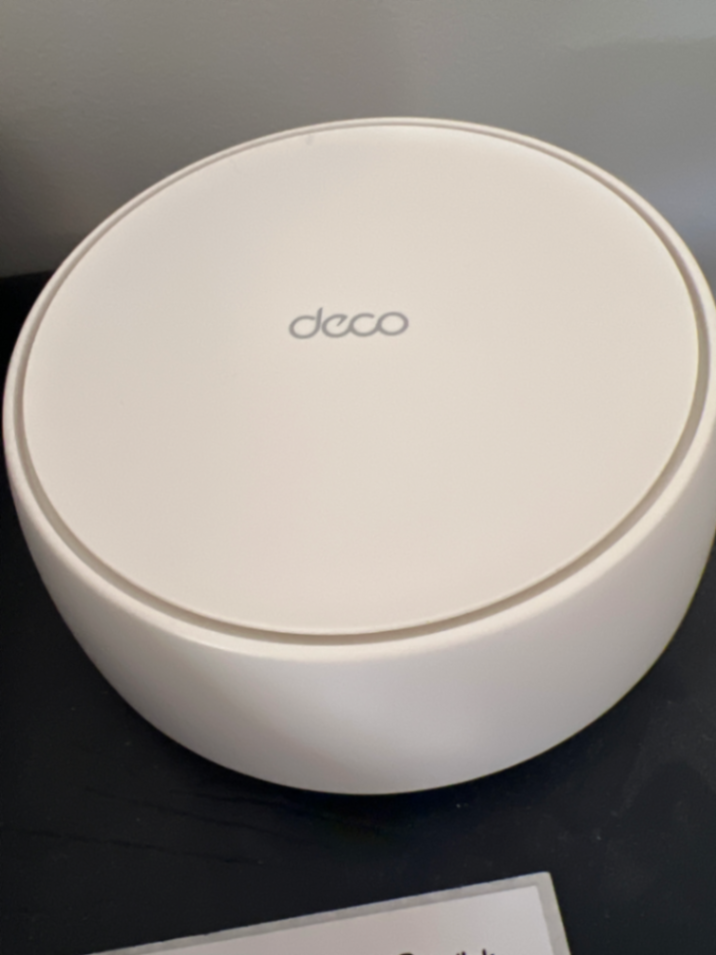
Get some help for How connect to internet via this new router

Get some help for How connect to internet via this new router

Shared by an AirTool community member - 7/6/2026

Edited DIY summary

Get some help for How connect to internet via this new router

  • -DIY plan for: How connect to internet via this new router
  • -Estimated cost: $0 - $0
  • -Time estimate: 30-60 mins
  • -Tools: Smartphone or tablet, Ethernet cable (usually included with router)
  • -Steps: Connect the main Deco unit to your existing fibre modem using an Ethernet cable. Download the TP-Link Deco app on your smartphone or tablet. Follow the in-app instructions to discover the Deco unit, create a WiFi network name and password, and configure the system. Place additional Deco units around your home for extended coverage.
DIY plan
$0 - $0
30-60 mins

Tools: Smartphone or tablet, Ethernet cable (usually included with router)

Connect the main Deco unit to your existing fibre modem using an Ethernet cable. Download the TP-Link Deco app on your smartphone or tablet. Follow the in-app instructions to discover the Deco unit, create a WiFi network name and password, and configure the system. Place additional Deco units around your home for extended coverage.

Rent tools nearby

Watch and learn

Local help options

Like this? Join AirTool's local community.

Find tools, helpers, and tradies near you - or earn by sharing what you know.

Join AirTool →

Shared via AirTool- NZ's local tool sharing platform.